100% Free

Create polls
in seconds.

Add a poll to your website, share it on social media, or just send a link — EasyPolls makes it effortless. No account needed to get started.
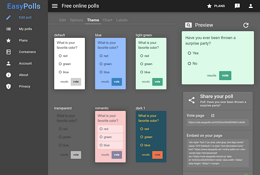
EasyPolls screenshot

Instant Access

You don't even need an account to start creating your polls — just open the app and start typing your question and answers. When you're ready to publish, simply log in or create a free account.

Easy Sharing

Publish your poll directly to Facebook or Twitter with one click, embed it on any web page using a simple JavaScript snippet, or just share the link with your audience.

Simple by design

Up and running in three steps

Step 1 — Create your poll
Enlarge
1

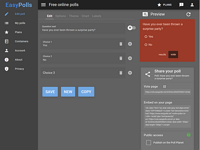
Type your question and answers

Enter your poll question and the response options. No setup required — start immediately.

Step 2 — Log in or create an account
Enlarge
2

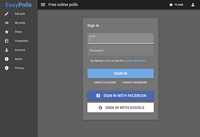
Log in or create a free account

Sign in with an existing account or register a new one — it's free and takes seconds.

Step 3 — Publish your poll
Enlarge
3

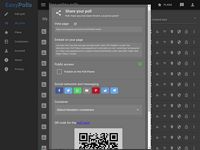
Publish your poll

Share to Facebook or Twitter, embed on your site, or send a direct link to your audience.

Live demo

See it in action

These are real polls created with EasyPolls — go ahead and vote.

Live poll
Live poll

Ready to ask your question?

It takes less than a minute. No credit card, no setup — completely free.

Go to EasyPolls.net →